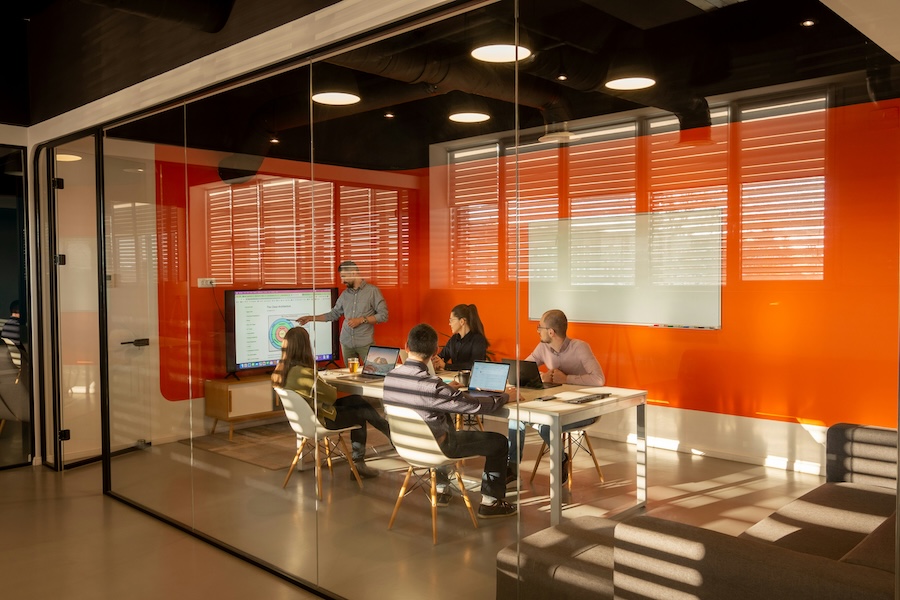






There are now more than 83,000 tech businesses in the UK, with London being home to around 57% of the country’s fastest-growing tech companies. Tech is a growing sector, which means more employees in the industry and as a result, more office space and more diverse workforces.
This growth and diversity means that workspace design in the tech space is also going through a process of evolution. Tech companies are no longer hidden away in small, dimly lit spaces with nothing but a castor chair, an old desk and a dual monitor screen. Tech staff are now way more diverse, agile and conscious of their physical working environments, which means office fit out companies and interior designers need to keep up.
From nomadic teams and hybrid working to rapid scaling and innovation-led cultures, tech businesses need workspaces that are flexible, functional, and built for collaboration. A traditional office layout simply won’t support the speed and complexity of modern tech teams. Instead, tech teams of today need thoughtful office design and strategic fit out that ensure the workspace actively supports how people thrive day to day.
In this blog post, we explore the best office layouts for tech companies (in London, the rest of the UK and beyond) and how the right approach to space configuration and design language supports better productivity, collaboration, wellbeing and long-term growth.
Why office layout matters in tech spaces
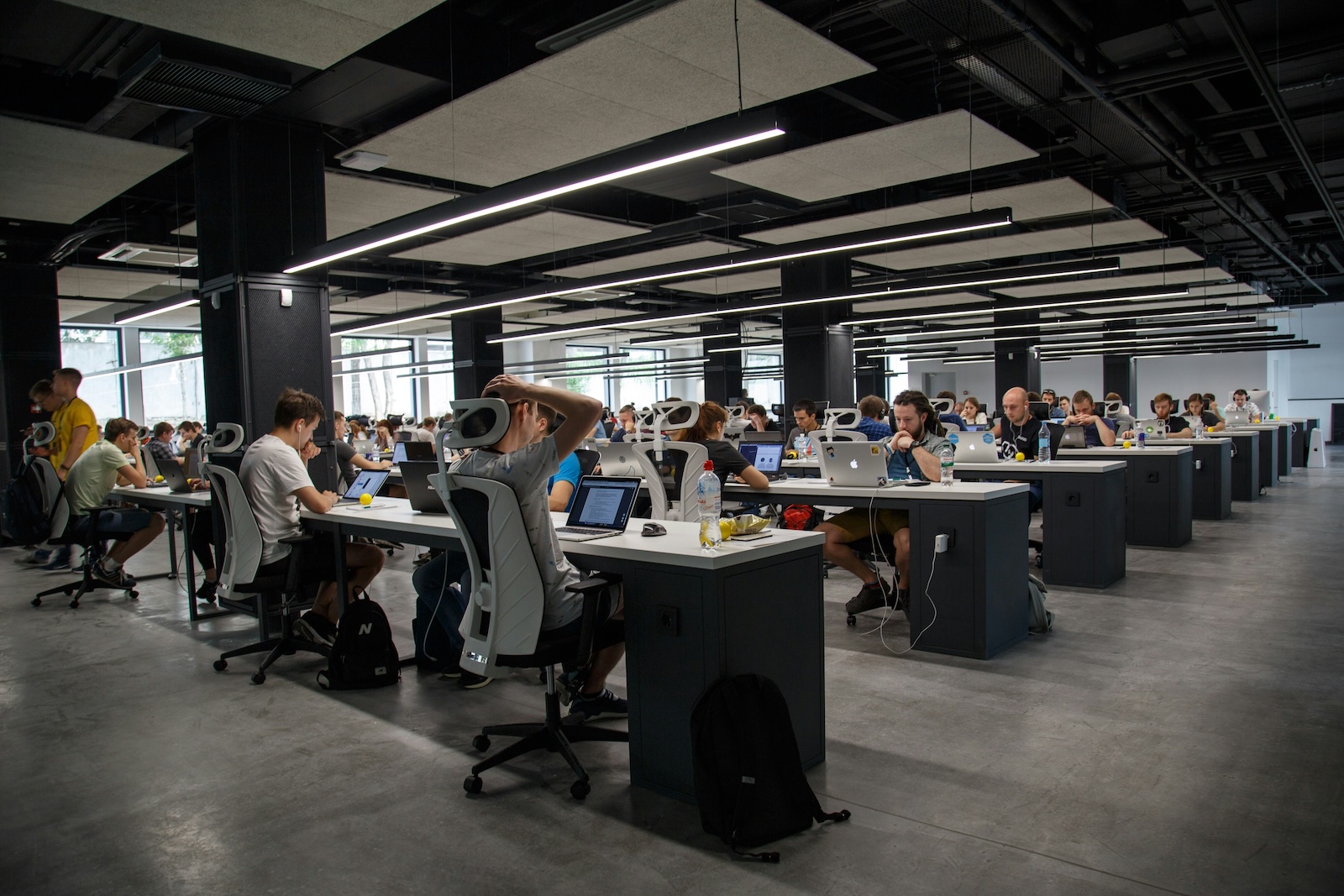
Tech companies operate differently to many other sectors. Teams are often super cross-functional, projects move quickly, and collaboration is constant. Plus, according to recent data, almost 70% of tech employees are currently work mostly remotely – more than any other industry with remote workers.
This means tech office design needs to do more than simply provide designated desks and basic meeting rooms. A well-planned office fit out in this sector should actively support:
- Problem-solving and innovation
- Collaboration between teams (remote and in-person)
- Deep focus work without disruption
- Privacy when dealing with sensitive information
- Rapid changes in team size or structure
- A strong and engaging company culture
A poorly considered office layout can slow tech teams down and create unnecessary friction, while a strategically designed space will boost communication, enhance productivity and help attract and retain top talent.
Activity-based workspaces
The best office layouts for tech companies are those that reflect how people actually work because the most effective workspaces aren’t just about making better use of space; they’re about enabling people to do their best work.
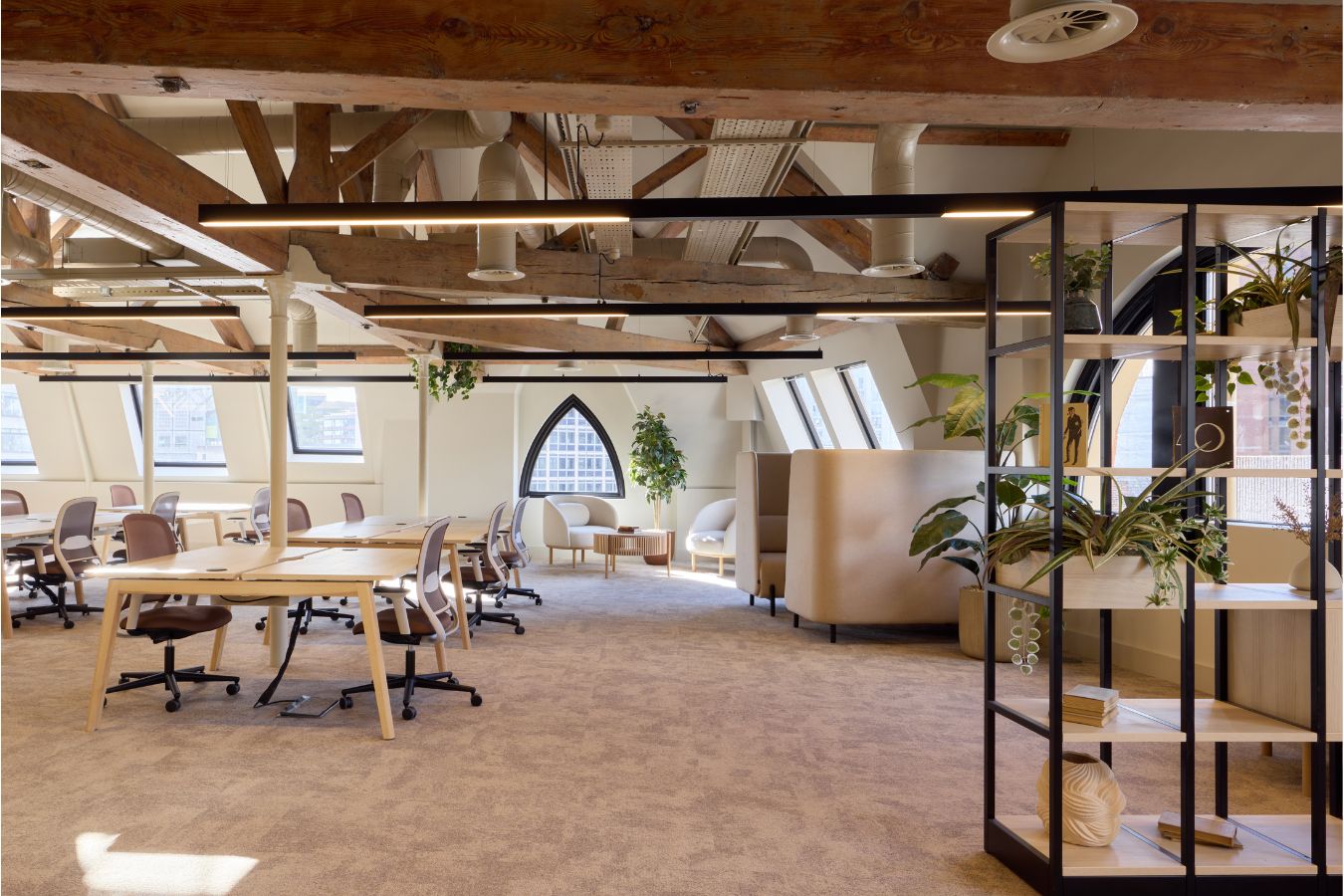
One of the most effective approaches in modern office design for tech companies is facilitating what us industry folk like to call ‘activity-based working’. This basically just means creating an ecosystem of different work settings that allow people to pick how and where they work, based on task and requirement.
Rather than assigning employees to a single desk, this approach, delivered through a flexible office fit out, provides a variety of spaces designed for different activities.
Common features of activity-based office design
- Open collaboration areas for team discussions
- Touchdown spaces for impromptu collaboration
- Quiet zones for focused work
- Meeting rooms for structured sessions
- Informal breakout spaces
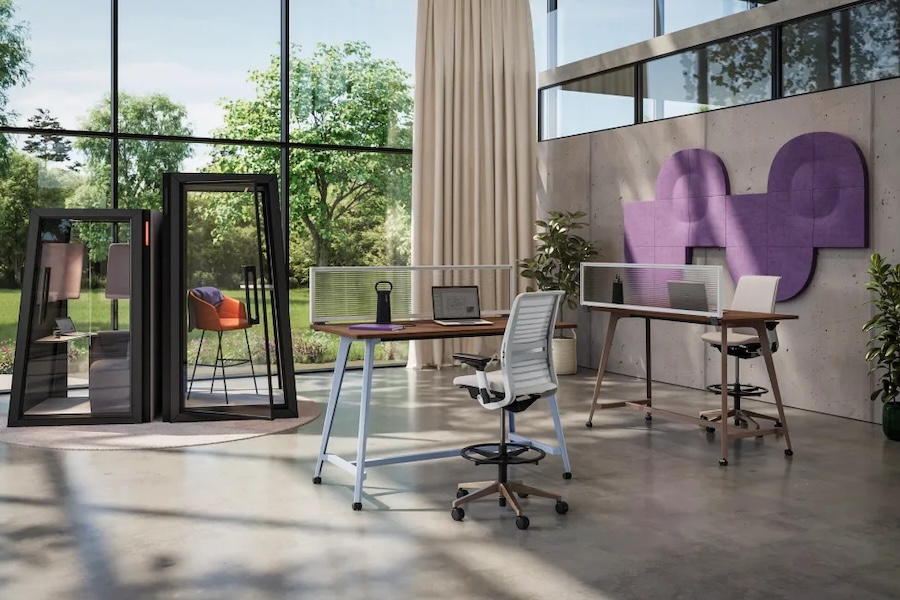
- Phone booths or pods for private calls
- Ergonomic office furniture that supports different postures
This type of office design works particularly well for developers, designers, and product experts who need to move between tasks and teams throughout the day.
Zoned work settings
Zoning is a key principle in effective office design and plays a critical role in successful office fit out projects for tech companies.
A zoned layout divides the workplace into clearly defined areas based on function, helping to reduce distractions and improve workflow – and as we’ve explored previously on our blog, zoning can be done without walls or physical division.
Common zones in tech company workspaces
- Focus zones for individual work
- Collaboration zones for teamwork
- Social spaces for informal interaction
- Meeting rooms for structured discussions
- Quiet rooms for deep concentration
- The importance of balance in office fit out
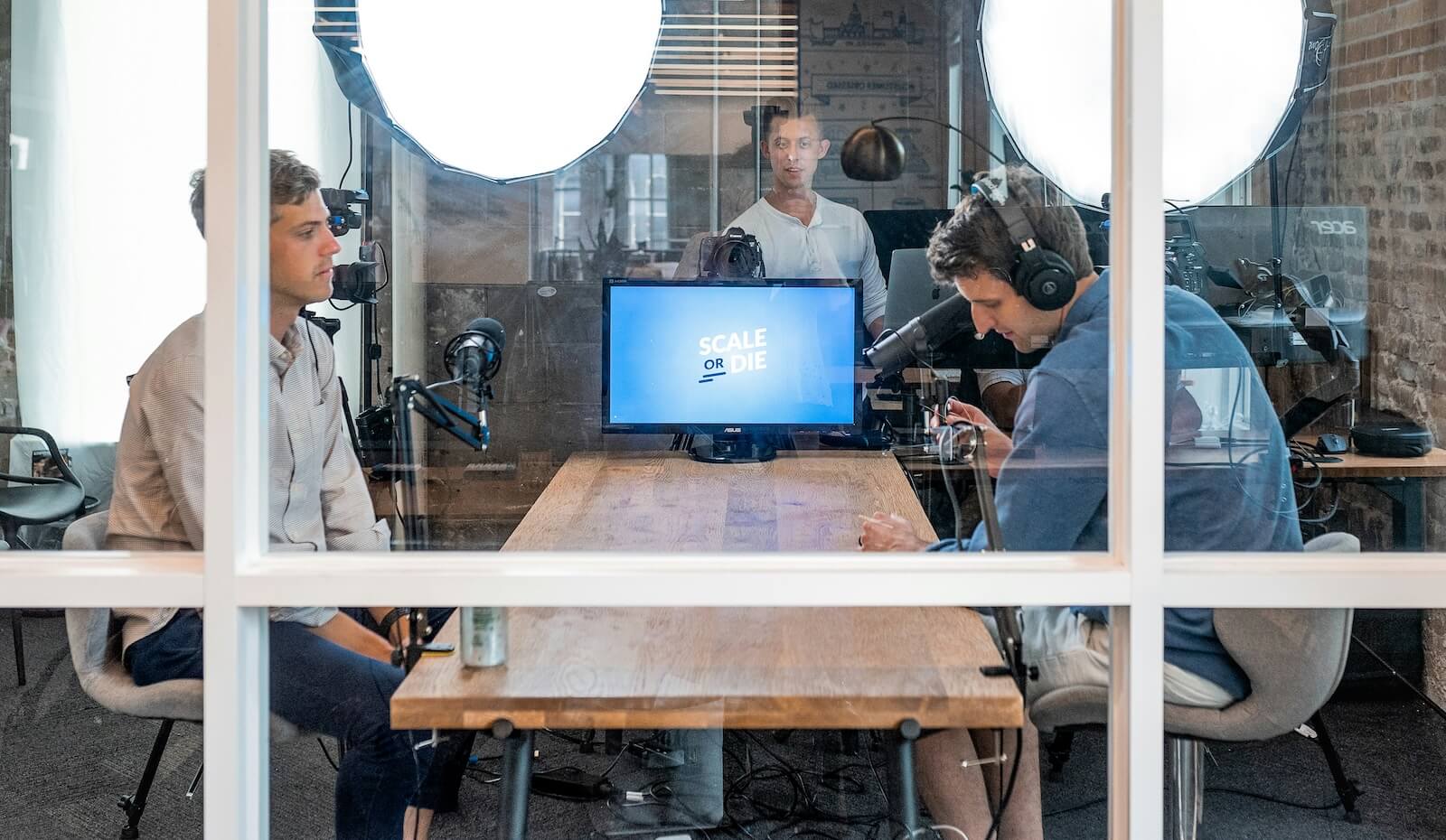
Open-plan offices
One of the biggest challenges in office design is balancing collaboration with concentration, especially in open-plan environments. Open-plan layouts are often included in office fit out projects, but without proper zoning, they can lead to noise and disruption. A well-considered layout ensures the benefits of openness are maintained without compromising productivity.
Read more: The best acoustic solutions for open-plan office design >>
Agile team layouts
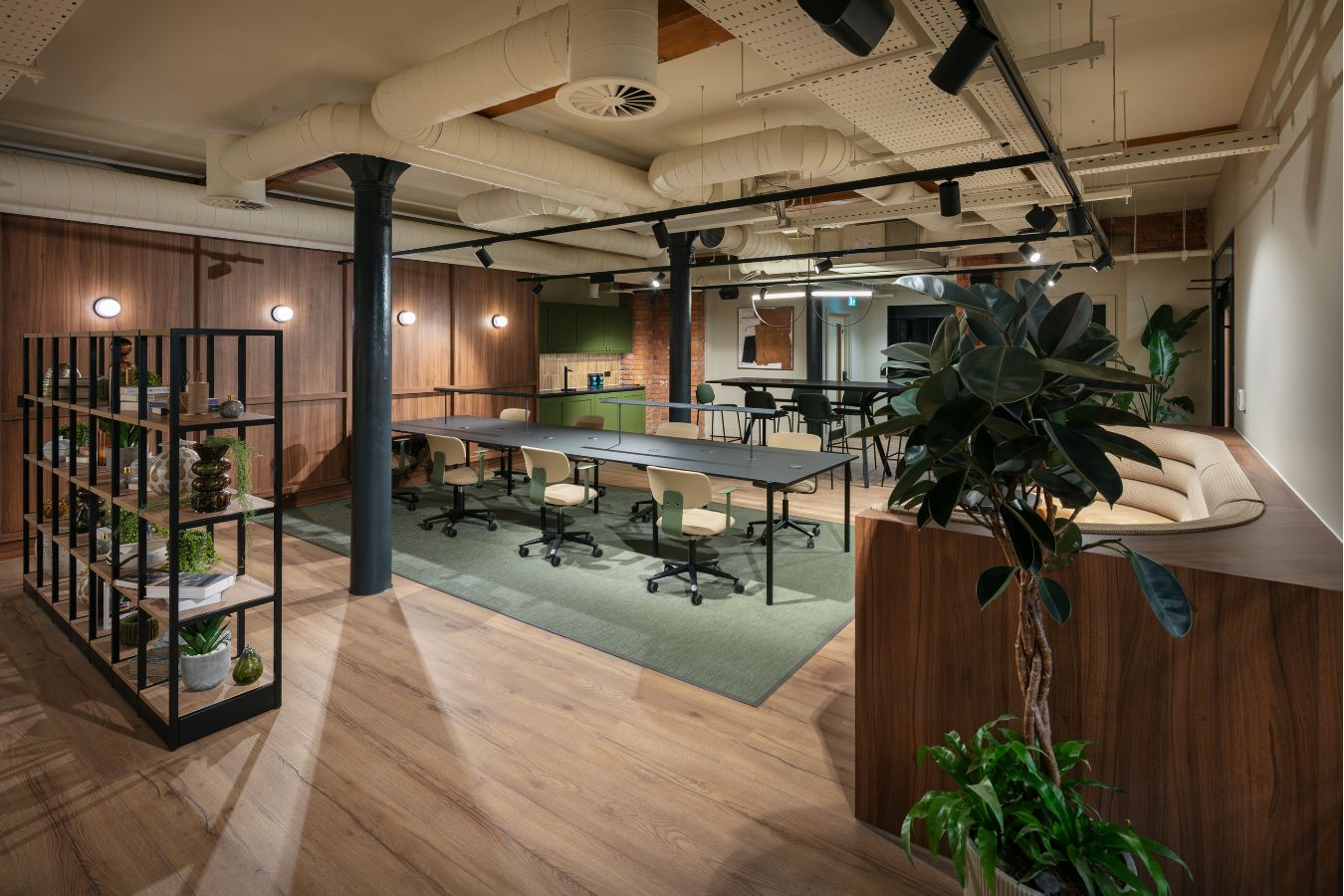
Agile ways of working are widely used across the tech sector, so office design and fit out should reflect and support this. An agile-focused workspace brings teams together seamlessly and provides the tools and space needed for continuous collaboration.
What an agile office should provide
- Team-based desk clusters
- Shared worktables or bench desking
- Whiteboards and digital collaboration tools
- AV and tech that supports remote and in-person participation
- Breakout and meeting spaces
This layout allows teams to communicate quickly, share ideas, and stay aligned. By aligning office design with agile principles, businesses can create an environment that supports speed, adaptability and innovation, which are all essential in the world of tech.
Hybrid-friendly office design
Hybrid working is now a long-term shift, not just a post-pandemic epidemic, which means office design needs to take it seriously and adapt accordingly. This is especially true in the tech sector where global teams collaborate across timezones and continents all the time.
An effective hybrid office design reflects this shift by prioritising shared and adaptable spaces over static desk layouts. It ensures that the workspace supports both in-person and remote collaboration. However, in order to be a truly functional hybrid office, you also need to consider things like furniture and workplace tech, not just how the space is configured.
Key features of hybrid office design
- Flexible desk arrangements such as hot desking
- Integrated video conferencing technology
- Collaboration spaces designed for hybrid meetings
- Reduced reliance on fixed workstations
- Designing for purpose and function, not just aesthetic
Scalable and flexible office layouts
Fast growth is a key characteristic of many tech companies and startups, which includes growing teams and increased need for office space, so workplace design and fit out needs to be able to keep up.
What this means is that any tech office design scheme needs to be created with the future in mind, not fixed in current trends or focused only on the current state of the company. A flexible, future-forward approach to tech space design ensures the working environment can adapt as the business evolves and grow with it.
Designing for flexibility
- Modular furniture systems
- Movable partitions and adaptable space division
- Non-physical space division (not relying on walls or doors)
- Multi-functional spaces
- Adaptable infrastructure
In the world of tech, planning ahead is important – and it’s no different when it comes to workspaces in the tech industry. A scalable approach to office design reduces the need for frequent redesigns and allows businesses to respond quickly to change.
Not taking this type of flexible approach to tech office design can lead to hindered growth and innovation because your teams don’t have the spaces or the facilities they need to thrive in.
Looking to transform your tech workspace? Get in touch with our office design experts to find out more about how we can help.